
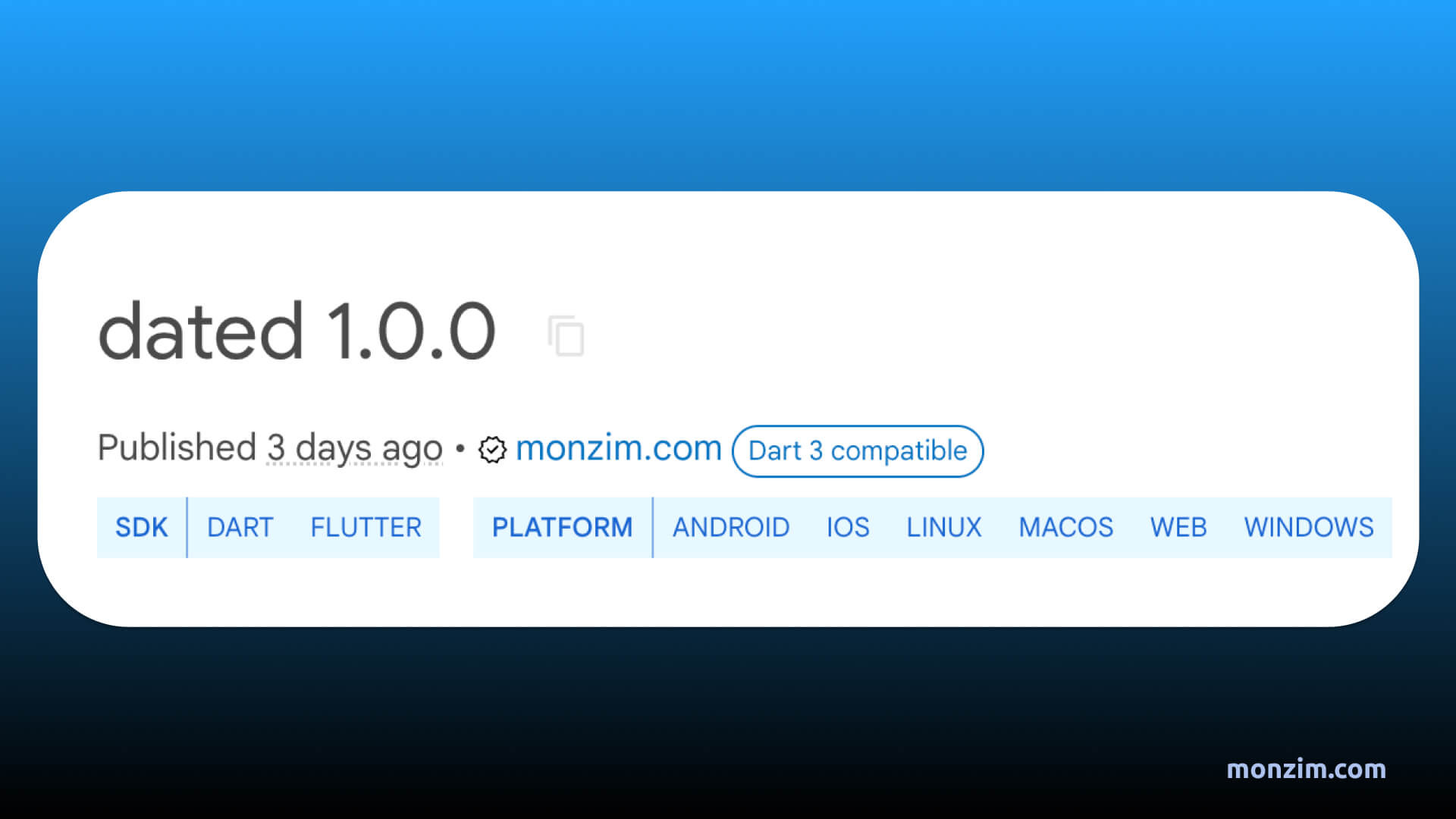
Do you find yourself constantly juggling DateTime objects in your Dart projects? Wish there was a simpler way to compare dates, check if they're within the same period, or calculate how much time has passed? Say hello to your new best friend: the dated package!
Why dated?
The DateTime class in Dart is powerful, but it can sometimes feel a bit verbose. dated gives you a suite of handy extensions that make working with dates a breeze. Here's what you can do:
-
Effortless Comparisons: No more complex logic to check if two dates are on the same day, month, or year. With dated, it's as simple as:
DateTime today = DateTime.now(); DateTime yesterday = today.subtract(const Duration(days: 1)); if (today.isSameDay(yesterday)) { // This won't happen! } -
Time Ago Like a Pro: Ever wanted to display a friendly "2 hours ago" or "3 months ago" message? dated does the heavy lifting for you:
DateTime oldPost = DateTime.now().subtract(const Duration(days: 120)); String timeAgo = oldPost.timeAgo(); // Returns "4 months ago" -
Flexible API: Customize your time ago strings with prefixes and suffixes to perfectly fit your app's design:
// Returns "Posted 4 months ago"
String withPrefix = oldPost.timeAgo(prefix: "Posted");
Installation & Getting Started
It's a snap to get dated working in your project:
-
Add to pubspec:
dart pub add dated -
Import:
import 'package:dated/dated.dart'; -
Start Coding!
A Quick Example
Let's see how dated simplifies a common task: figuring out if a product's warranty is still valid:
DateTime purchaseDate = DateTime.parse("2024-01-15");
DateTime today = DateTime.now();

int warrantyMonths = 12;
DateTime warrantyExpires = purchaseDate.add(Duration(days: warrantyMonths * 30));

if (today.isBeforeDay(warrantyExpires)) {
    print("Your warranty is still active!");
} else {
    print("Your warranty has expired.");
}
Explore the Full Potential
This just scratches the surface! Check out the dated package documentation for a full list of methods and options.
Contribute & Give Feedback
GitHub: monzim/dated
PubDev: https://pub.dev/packages/dated
We believe in open source! If you find any issues, have ideas for new features, or just want to chat, head over to the GitHub repository and join the discussion. Let's make date handling in Dart even better together!
Let's Get Dated!
We hope you're as excited about dated as we are. Give it a spin in your next Dart project and let us know what you think! Happy coding!