
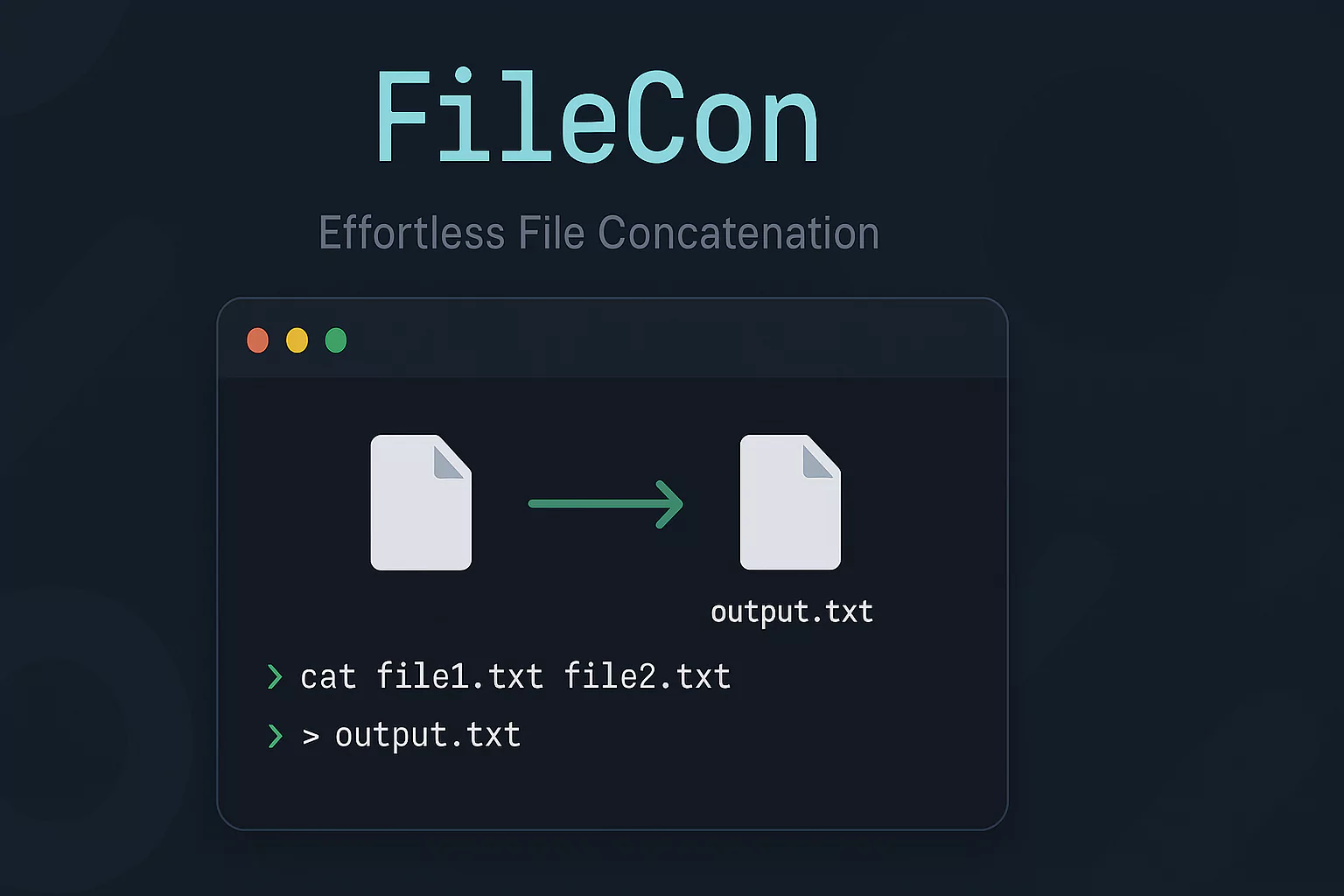
FileCon is a command-line tool designed to simplify file concatenation tasks. Whether you're working on projects that involve managing multiple files or preparing input for AI tools like ChatGPT and Claude, FileCon saves time by merging specific file types into one single output file. It's especially helpful for users looking to efficiently process and concatenate files from directories without manually copying and pasting file contents.

🎉 New in Version 0.0.2!
FileCon has been updated with powerful new features to give you more control over file concatenation:
- Smart Ignoring: Easily exclude specific file extensions and folders from processing
- Global Ignore Patterns: Set system-wide file extension ignore patterns using the
FILECON_EXTIGNOREenvironment variable .fileconignoreSupport: Create a.fileconignorefile in your target directory to define ignore patterns, similar to.gitignore- Branded Output Files: All output files now automatically get a "filecon_" prefix for easy identification
- Detailed Summary Reports: After concatenation, see comprehensive statistics about the operation including files processed, size, and ignored items
- File Signature: Each output file includes a header with FileCon version and generation information
Key Features
- Wizard-Style Interface: Navigate through the file concatenation process interactively.
- Command-Line Options: Power users can leverage advanced command-line flags to specify directories, file extensions, and output files directly.
- Remove Extra Spaces: Optionally remove tabs and extra spaces from the content.
- File Extension Targeting: Filter and concatenate files based on specific extensions like
.go,.js,.py, etc. - Powerful Ignore System: Skip specific file types and folders during concatenation.
Why I Built It
During AI-based tasks, like uploading files to ChatGPT or Claude AI, users face limitations on the number of files that can be processed at once. With FileCon, you can bypass this limitation by concatenating multiple files into a single document, making it easier to provide a clean, AI-readable input.
How to Use It
The tool offers two primary ways to interact with it:
1. Wizard Mode:
Run the filecon command without flags to start the wizard mode. The tool will ask for the directory, file extensions, files to ignore, folders to ignore, and whether or not to remove spaces, and it will handle the rest!
filecon2. Command-Line Options:
Use flags to define the directory, file extension, and output name directly. For example, to concatenate all .go files:
filecon --dir=. --ext=go --out=output.txtYou can also remove extra spaces during concatenation:
filecon --dir=/path/to/dir --ext=.js --out=result.js --remove-spacesNew Ignore Features
Skip specific file types and directories during concatenation:
filecon --dir=. --ext=py --ignore-ext=pyc --ignore-folders=venv,__pycache__Create a .fileconignore file in your target directory:
# Comments are supported
*.tmp
*.bak
node_modules/
.git/
Set up global ignores using an environment variable:
export FILECON_EXTIGNORE=tmp,bak,test.js
filecon --dir=. --ext=js
Flags
| Flag | Description | Default |
|---|---|---|
-d, --dir string | Directory to search for files | Current directory |
-e, --ext string | File extension to search for (with or without dot) | None |
-o, --out string | Output file name | filecon_output_<timestamp>.txt |
-r, --remove-spaces | Remove all tabs and extra spaces from the content | false |
-i, --ignore-ext | File extensions to ignore (comma-separated) | None |
-f, --ignore-folders | Folders to ignore during search (comma-separated) | None |
-h, --help | Help for |
Rich Completion Summary
After concatenation, FileCon now provides a detailed summary of the operation:
PROPERTY                | VALUE
-----------------------|-------------------------------------
Files Scanned          | 80
Files Concatenated     | 15
Output File            | filecon_output_20250330_120145.txt
Output Size            | 42.32 KB
Total Lines            | 1245
                       |
Ignore Sources         |
                       | .fileconignore file
                       | FILECON_EXTIGNORE environment variable
                       |
Ignored Files/Directories |
                       | Directory: node_modules
                       | /path/to/file.tmp
                       | /path/to/file2.bak
                       | ... and 12 more
Installation
To get FileCon up and running, choose your platform:
macOS
# Note: Change the architecture to arm64 for Apple Silicon-based Macs. Check the 'build' folder for your architecture.
sudo rm -f /usr/local/bin/filecon
sudo curl -L -o /usr/local/bin/filecon https://github.com/monzim/filecon/raw/main/build/0.0.2/filecon-macos-arm64
sudo chmod +x /usr/local/bin/filecon
Linux
# Note: Change the architecture to arm64 for ARM-based Linux systems. Check the 'build' folder for your architecture.
sudo rm -f /usr/local/bin/filecon
sudo curl -L -o /usr/local/bin/filecon https://github.com/monzim/filecon/raw/main/build/0.0.2/filecon-linux
sudo chmod +x /usr/local/bin/filecon
Windows
- Download the
.exefrom latest releases. - Add the
.exeto your system's PATH or run it directly from the command prompt.
Build from Source
To build from source, clone the repo and compile the Go code:
git clone https://github.com/monzim/filecon.git
cd filecon
go build -o filecon
sudo mv filecon /usr/local/bin/
Example Use Cases
AI File Upload Optimization
You're working on a project that involves uploading .py scripts to an AI service, but the service has a limit of 5 files per upload. FileCon allows you to concatenate all your Python scripts into one file, while ignoring any .pyc files and cache directories:
filecon --dir=/scripts --ext=py --ignore-ext=pyc --ignore-folders=__pycache__,venv --out=all_scripts.pyCode Review Preparation
You need to share a large codebase with a colleague but want to exclude test files and modules to focus review on core functionality:
filecon --dir=./src --ext=js --ignore-ext=test.js,spec.js --ignore-folders=node_modules,dist --out=review.jsContribution
Contributions are always welcome! If you encounter issues or have ideas for improvement, feel free to open an issue or submit a pull request on GitHub.
Developed by Azraf Al Monzim